 Setup Code Vault
Save the whole story.
Scan supported codes, photograph a label, or type a code yourself. Keep useful images, PDFs and notes beside the device.
The tiny label. The missing box. The code you need right now. Keep device setup codes, photos and notes in one place, ready for your next reset, move or fresh start.
Coming to the App Store Native for iPhone & iPad
A home for the details that make setting up your devices easier.
Scan supported codes, photograph a label, or type a code yourself. Keep useful images, PDFs and notes beside the device.
Create homes and rooms as you add devices. Search by name, maker or location to find the right code quickly.
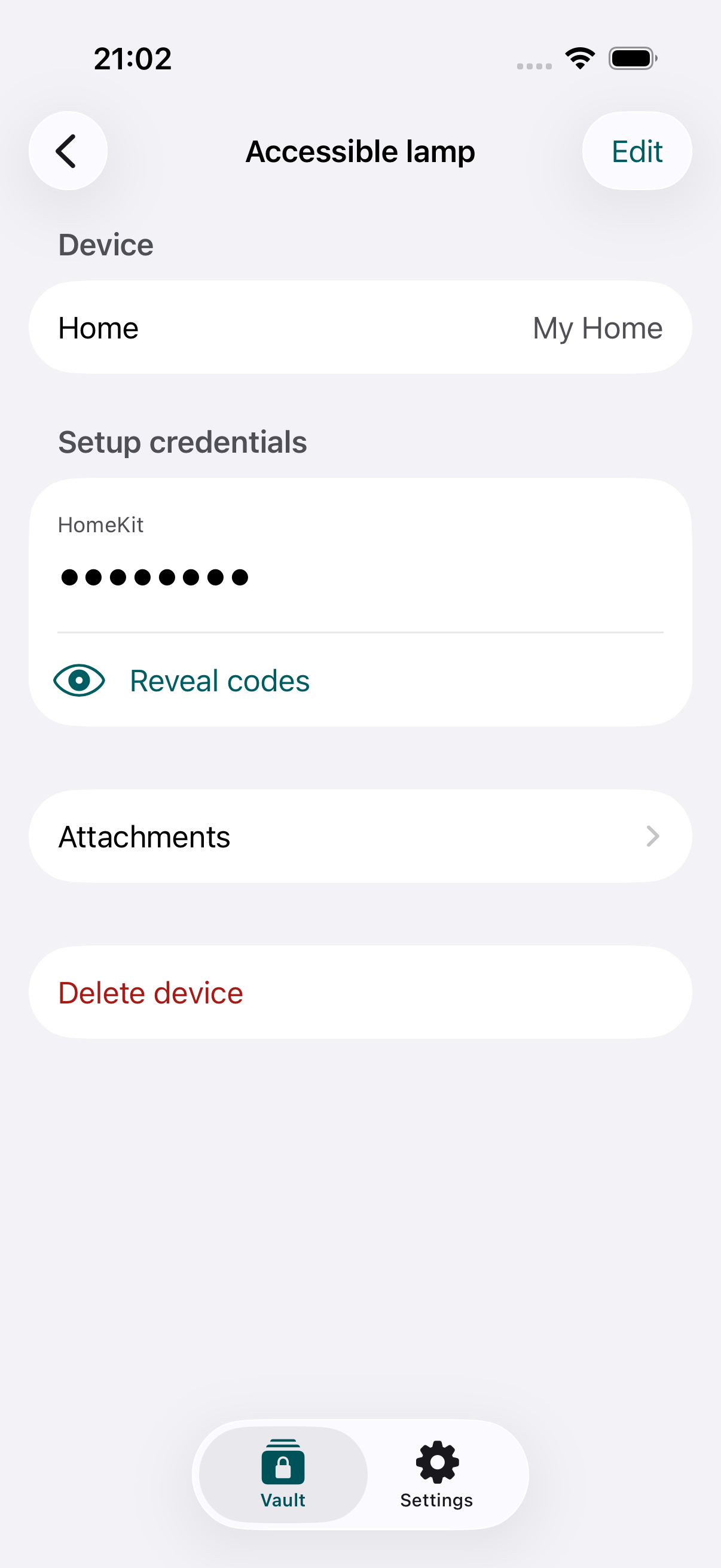
Reveal a code when you need it. Keep a separate JSON backup, or use manual iCloud sync to recover your vault on another device.
Your local vault is encrypted. Add Face ID, Touch ID or your device passcode to lock the app. Codes stay hidden until you choose to reveal them.
6 devices
Everything you need to start keeping your codes together.
One purchase.
No subscription. Unlimited device records.
Each participant in a shared vault needs Family access. Purchase sharing is managed by Apple. Attachments are limited to 10 MiB each and the encoded vault to 45 MiB; Family removes the device-count limit. Final pricing is shown in the App Store. The app is not yet available to download.
No. Setup Code Vault does not access Apple Home. Scan or enter the code from the device label, packaging or documentation.
No. Setup Code Vault stores the information you need. Use Apple Home or your device maker’s app to pair and control accessories.
JSON backups contain readable codes and attachments. Store them somewhere private. The local encryption key stays on its device, so keep an export or use iCloud sync before changing or resetting your phone. Read the recovery guide.
Sync is manual in V1. Use Settings → iCloud & family sharing → Sync after making changes. If copies conflict, the app asks which one to keep.